
If you've spent any time on internet forums, you've seen the pattern: a new user posts a question, gets five conflicting answers, and disappears. Or worse — someone with zero mechanical experience "corrects" a torque spec that's been verified by three master technicians, and the thread devolves into a flame war.
TorquePedia works differently.
We don't have paid moderators sitting in an office approving every edit. We don't have a single "expert" whose word is law. Instead, we have something better: a reputation system that gates permissions by trustworthiness, and a community that protects the knowledge it built.
Here's how it works.
The Core Philosophy
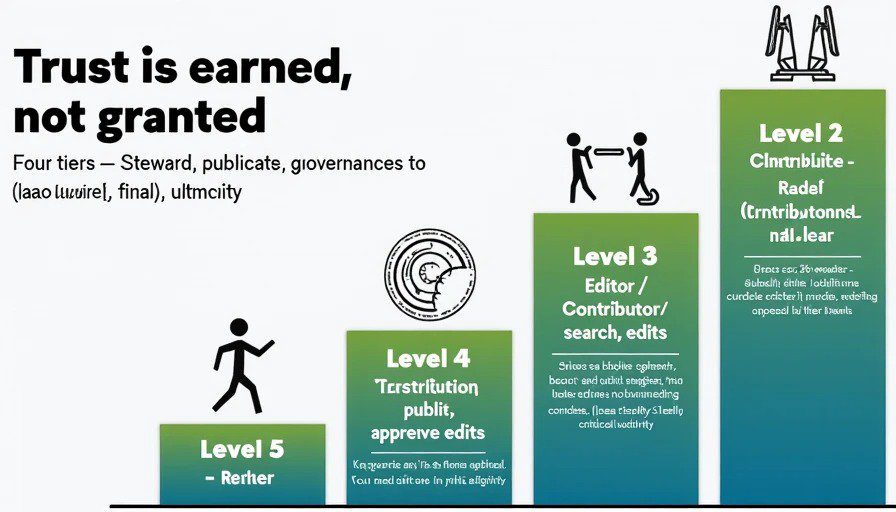
Trust is earned, not granted.
Anyone can read TorquePedia for free, forever. Anyone can suggest an edit or submit a new entry. But who can publish directly, who can approve edits, and who can arbitrate disputes — that's determined by reputation.
The system is designed to be:
Principle | How It Works |
|---|---|
Meritocratic | Permissions are earned through quality contributions, not seniority or popularity |
Transparent | Every action that affects reputation is logged and visible |
Self-correcting | Bad edits are reversible; bad actors are outvoted by the community |
Incentive-aligned | The people with the most edit power are the people who've proven they care about accuracy |
Trust Levels: The Four Tiers
Your trust level determines what you can do on TorquePedia. There are four levels, and you progress through them by contributing quality work.
Level 0 — Reader
"I'm here to learn."
Permissions | Restrictions |
|---|---|
Read all entries | Cannot edit |
Search the knowledge base | Cannot submit new entries |
Browse by make/model/code | Cannot comment on entries |
View contributor logs | Cannot participate in community voting |
How to reach Level 1: Create an account. That's it. We want to know who you are before you start contributing.
Level 1 — Contributor
"I've fixed something. I want to share it."
Permissions | Restrictions |
|---|---|
Submit new entries to the review queue | Cannot publish directly — entries go to queue |
Suggest edits to existing entries | Edits must be approved by a Level 2+ user |
Comment on entries in The Edit Bay | Cannot approve others' edits |
Vote on community polls | Cannot participate in dispute arbitration |
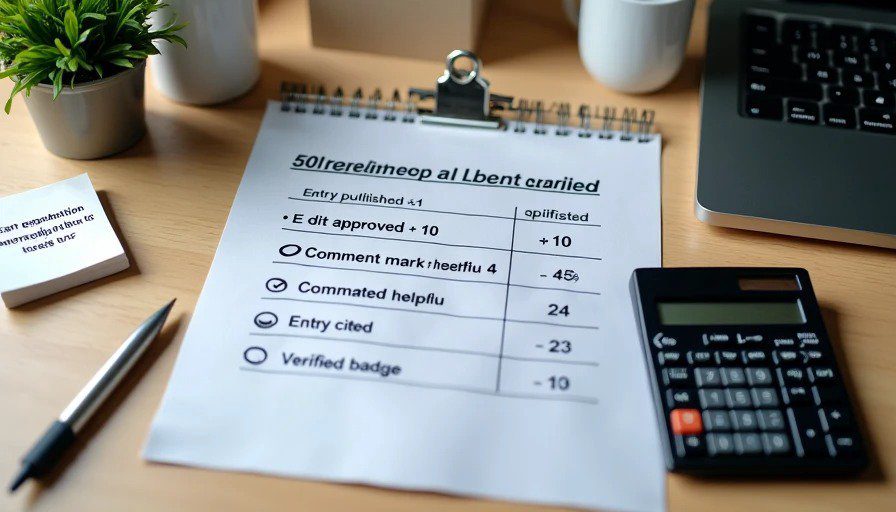
How to reach Level 2: Earn 50 reputation points. Reputation is earned through:
Action | Reputation Earned |
|---|---|
Your entry is published | +10 |
Your edit suggestion is approved | +5 |
Your comment is marked "helpful" by another user | +2 |
Your entry is cited in another entry | +3 |
Your entry receives a "verified" badge | +15 (bonus) |
Level 2 — Editor
"I know my way around a torque wrench. I can spot a bad shortcut."
Permissions | Restrictions |
|---|---|
Publish entries directly | Cannot override community consensus |
Approve or reject Level 1 edit suggestions | Cannot reject without explanation |
Edit any entry that doesn't require arbitration | Cannot unilaterally "lock" entries |
Flag content for review | Cannot arbitrate disputes |
Earn the "Editor" badge |
How to reach Level 3: Earn 200 reputation points and have at least 5 published entries that have received a positive rating from the community.
Additional requirements:
Account must be at least 30 days old (proves commitment)
No recent (90-day) content flags against you
Level 3 — Senior Editor
"I've seen it all. I know when something is dangerous."
Permissions | Restrictions |
|---|---|
All Level 2 permissions | Must act within editorial standards |
Approve or reject Level 2 edit suggestions | Cannot use permissions to "own" content |
Participate in dispute arbitration | Arbitration decisions require 3 Senior Editors |
Flag entries as "Safety Critical" | Flagged entries require community review |
Create and edit entry templates | |
Earn the "Senior Editor" badge | |
Earn annual voting rights on editorial standard changes |
How to reach Level 4: Invitation only. Level 4 status is granted to Senior Editors who have:
Demonstrated exceptional judgment over 12+ months
Contributed to at least 20 published entries
Received recognition from the community (through a nomination/vote process)
Shown commitment to the site's values and editorial standards
Level 4 — Steward
"I help the community govern itself."
Permissions |
|---|
All Senior Editor permissions |
Final arbitration authority (in cases where consensus cannot be reached) |
Voting rights on community governance proposals |
Ability to propose and ratify editorial standard changes |
Earn the "Steward" badge |
Contributor name appears in site footer |
Stewards are the closest thing TorquePedia has to "moderators" — but they have no power over content except through the same system everyone else uses. They exist to keep the system running, not to rule it.
The Review Queue: How Edits Get Approved
When a Level 1 Contributor submits an entry, it lands in the review queue. Here's what happens next:
Step 1: The submission is visible to all Level 2+ Editors in a dedicated queue view.
Step 2: Editors can:
✅ Approve — The entry is published and the contributor earns reputation.
❌ Reject — The entry is sent back with a detailed explanation of what needs improvement.
🔄 Request Changes — The entry is sent back with specific, actionable feedback.
Step 3: If an entry is approved, it's published. If it's rejected or sent back, the contributor can revise and resubmit.
The catch: Rejections must include a public explanation. The entire review history is visible to everyone — we believe in transparency, not secret decisions.
Badges: Recognizing Excellence
Badges serve two purposes: they recognize achievement and they signal expertise to other users. Here are the core badges:
Badge | How to Earn It |
|---|---|
First Wrench | Publish your first entry |
Verified | Entry is verified by 3 Senior Editors as technically correct |
Editor | Reach Level 2 (Editor) |
Senior Editor | Reach Level 3 (Senior Editor) |
Steward | Reach Level 4 (Steward) |
Safety Guardian | Flag 5 entries as Safety Critical and have the flags confirmed |
Codex Master | Contribute to 10 Codex entries |
Manual Author | Author 5 Manual entries that receive the Verified badge |
Tool Reviewer | Contribute 5 Tool Bench entries with real-world testing data |
Make/Model Expert | Contribute to 10 Make/Model entries for the same manufacturer |
Garage Chronicler | Keep a project log in Garage Log for 6+ months |
The Edit Bay Regular | Participate in 20 editorial discussions with "helpful" votes |
Centurion | Earn 100 reputation points |
Legionnaire | Earn 500 reputation points |
Community Pillar | Earn 1,000+ reputation points and be nominated by peers |
Future badges will be added based on community feedback. We also plan seasonal or milestone badges — think "Earned the N54 Valve Cover Gasket Achievement" for completing that entry.
Dispute Resolution: When Things Get Contentious
Sometimes, people disagree. An editor might think a torque spec is wrong. A contributor might object to an edit. Here's how we handle it:
Step 1: Direct discussion. The dispute is discussed in the entry's comment section. Both parties explain their reasoning and cite sources (factory service manuals, verified data, personal experience).
Step 2: Community input. If no resolution is reached, any Level 3+ user can flag the dispute. It goes to the arbitration queue. Three Senior Editors review the discussion, verify sources, and make a decision.
Step 3: Final resolution. If the dispute is technical (e.g., "what is the correct torque value?"), the arbitration panel's decision is final. If the dispute is editorial (e.g., "does this entry follow the template?"), the decision is final.
Step 4: Appeal. In rare cases, a dispute can be appealed to the Stewards. The Stewards review the arbitration decision and either uphold it, overturn it, or send it back for re-review.
The key point: every step is visible, documented, and reversible. Bad decisions can be corrected. The system learns over time.
Safety Critical Flag
Some entries involve work that, if done incorrectly, could cause injury or death — brake repairs, suspension work, steering components, airbag systems, fuel systems, etc.
These entries receive a Safety Critical flag. Here's what that means:
Requirement | What Happens |
|---|---|
Author minimum trust | Only Level 2+ users can create or edit Safety Critical entries |
Multiple verification | Entries must be verified by at least 2 other Level 3+ users |
Review requirement | Entries flagged Safety Critical must be reviewed within 30 days of publication |
Clear warnings | Every Safety Critical entry includes a prominent warning box at the top |
If a Safety Critical entry contains erroneous information, the community can flag it — and if confirmed, the entry is taken down until corrected.
Why This System Works
Traditional forums put all power in the hands of a few moderators. If the moderator is good, the forum is good. If the moderator is absent, the forum decays.
TorquePedia puts power in the hands of the community. The system:
Rewards quality over quantity
Encourages collaboration over competition
Promotes accuracy through verification
Builds trust through transparency
The result: entries that get better over time, not worse. A knowledge base that remains accurate and relevant — not a graveyard of outdated threads.
What You Should Do Next
If you're new:
Create an account. It's free.
Explore the entries. See what exists and what's missing.
Find something you know. Write it up and submit it. Even if it's small — a torque spec, a DTC definition, a tool review — every contribution builds your reputation and helps the community.
If you're already contributing:
Keep writing.
Review others' submissions.
Vote on helpful comments.
Flag inaccuracies when you see them.
Help build the knowledge base.
Reputation isn't just about permissions — it's about legacy. Every contribution carries your name permanently. Your reputation is a reflection of the quality of your work. Build something you're proud to have your name on.


No comments yet — grab the first one.